Normal and compromised applications can use the same existing database access.
TL;DR
- A compromised application can read data using its existing database identity and permissions, without a new administration login or grant.
- Monitor application reads/writes; not just logins and privilege changes. Use runtime telemetry to connect queries to sessions and associated workloads.
- Test visibility in staging with synthetic records, repeated reads, legitimate batches and an out-of-scope query.
- Combine monitoring tools with patching, least privilege and access enforcement.
The application can already read the data
Let us assume a customer-facing support application. It can be a simple web server serving data from a database. To achieve this, the database role used by the application will have the permissions to read customer records. The application itself might have an authentication and authorization mechanism to give users access to its various APIs. However, an attacker controlling the process might be able to make use of those existing permissions without any administrator login or new grant.
The recent PHP vulnerabilities described by Calif Research illustrate how an unauthenticated attacker can compromise a PHP runtime. Calif’s discovery write-up describes the timeline and technical details. The fixes released on October 21, 2026 for CVE-2026-109618 and CVE-2026-109619 address runtime memory-safety flaws. They address incorrect handling of out-of-memory and other fatal errors during request processing and cleanup. These flaws could allow process-memory disclosure and remote code execution under the affected conditions. As per the PHP advisory, affected operators were asked to update and check vendor backports.
In a hypothetical extension of that scenario, an attacker controlling the application process could use its database identity within the permissions already granted to it. That makes application database activity relevant to the investigation.
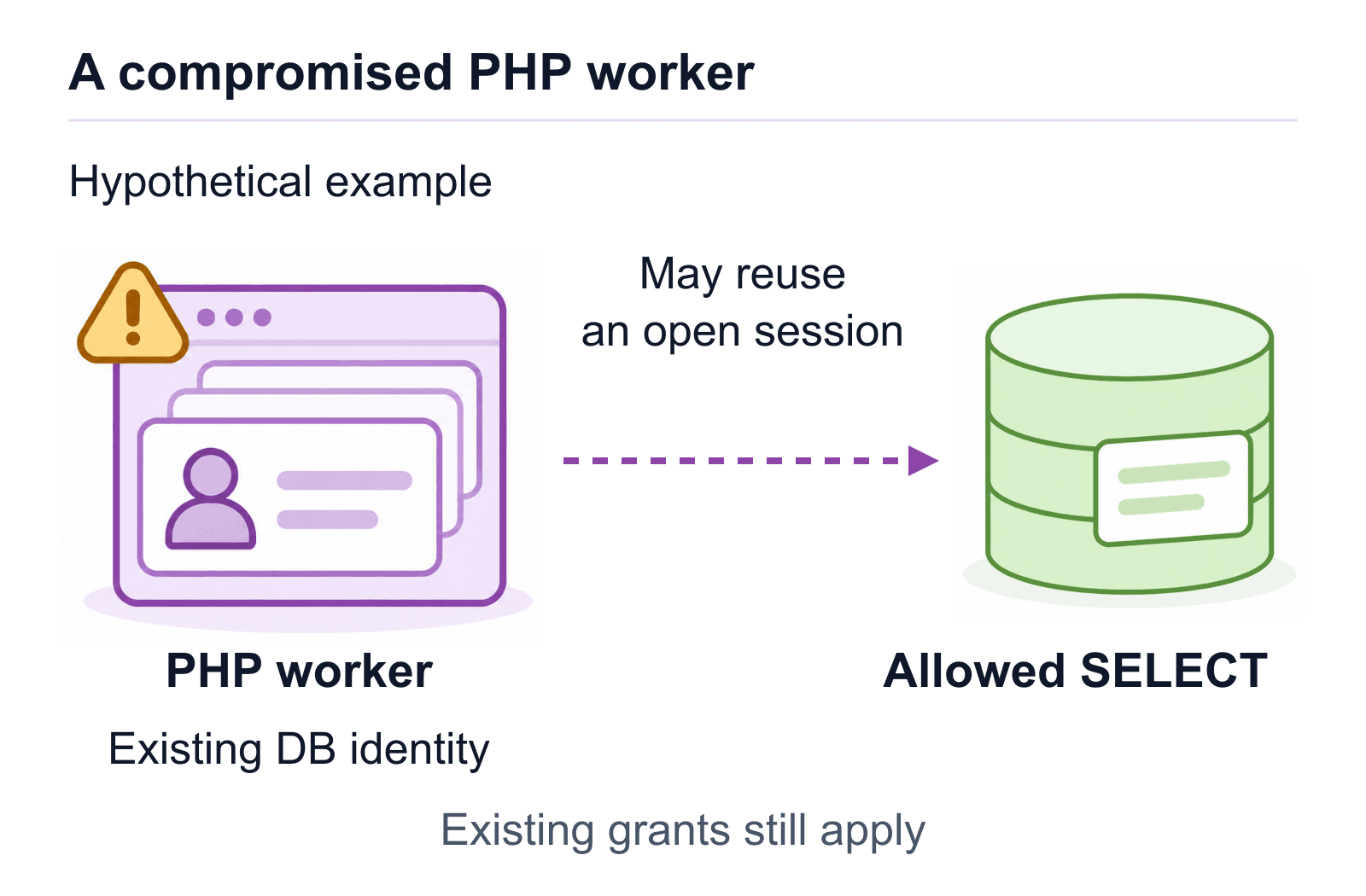
A compromised worker may reuse an open session within its existing grants.
A non-admin read can still expose sensitive data
Identity type (human or non-human) and privilege level are separate. A monitoring policy that prioritizes administrator and human sessions can leave application reads under-examined. Service accounts can be privileged, and even a SELECT operation can expose sensitive records. An attacker controlling the worker may be able to issue additional statements through a connection available to that process, subject to the database role’s permissions. In a way, it can be considered “simpler” for the attacker as they may not need a separate database credential anymore.
An already established session can carry new statements. PHP persistent connections provide one documented way of reuse. The actual availability depends on the execution mode and runtime conditions.
Monitoring logins, grants and DBA sessions alone cannot account for reads from an existing application session. In addition to privileged monitoring, one should also track application/job activity depending on the sensitivity of the data.
What the read-evidence needs to show
The evidence furnished by the tool should be actionable enough to identify and diagnose potential issues. It should have at least the following components:
- Principal and session. These include database identity, effective role where available, session identifier, destination, and time.
- Operation and object. These include statement type, resolved table/schema, and sensitive data classification with provenance.
- Activity. This includes query frequency and returned-row counts where available. Missing row telemetry remains unknown (instead of 0).
- Workload and origin. The source workload/deployment from which a query originates. Instrumentation may correlate requests across application hops. Otherwise, a graph of potential application dependencies can also help narrow down the source.
Now, it must be stated that the statement evidence does not prove data exfiltration on its own. Familiar query shapes within threshold volumes may not trigger a behavioral anomaly alert. Query counts can also be misleading. Large counts don’t always indicate distinct records read, while multiple smaller reads can exfiltrate a large amount of data. Workload identity helps define a useful baseline, but may still be insufficient to distinguish malicious reads from ordinary activity. We talk about this more in our article on runtime identity attribution.
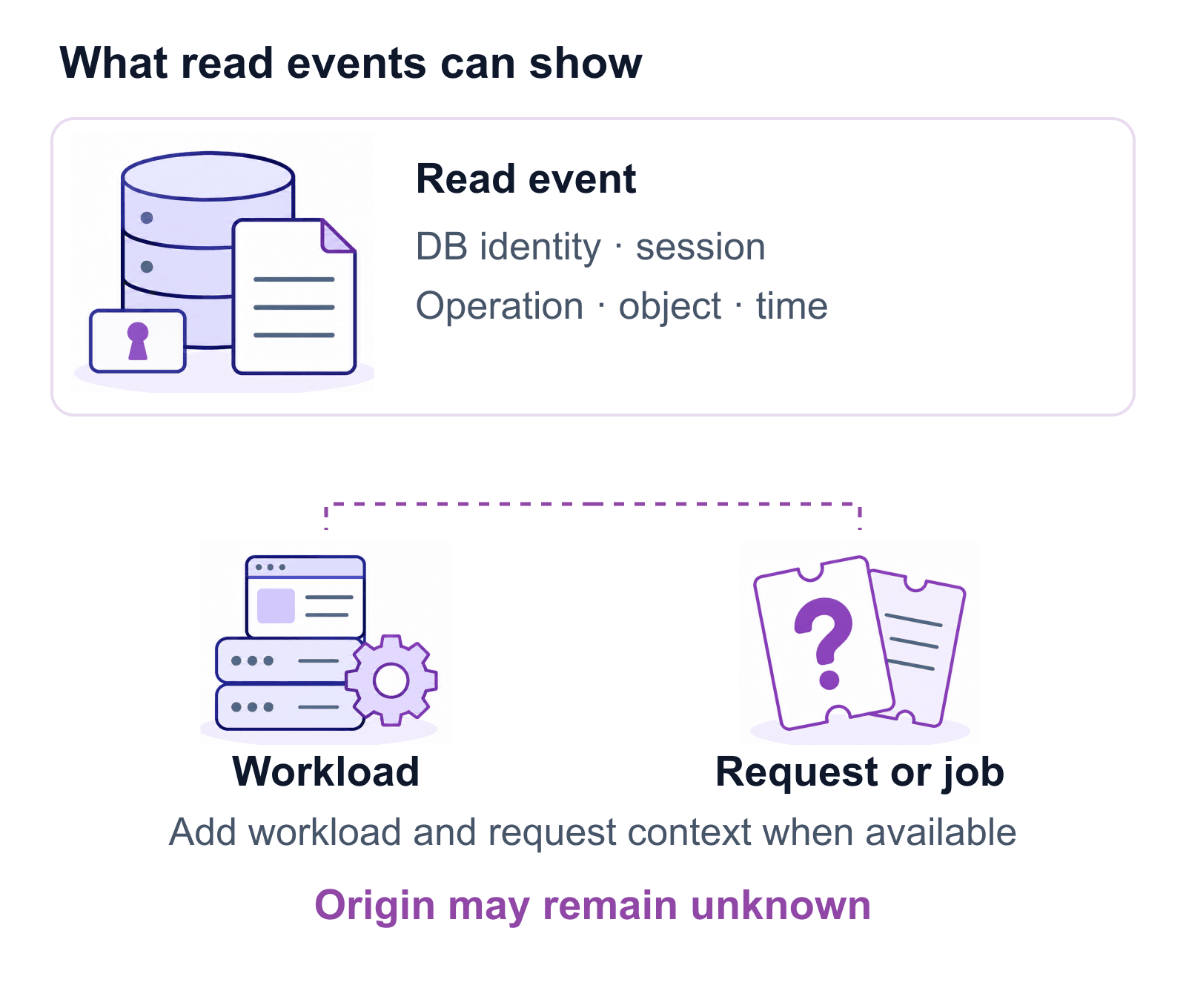
Connect database reads to workload and request context where available.
Test coverage with synthetic data
You don’t need to reproduce the actual exploit to test out the coverage of your monitoring system. Start with a sandboxed staging environment and synthetic customer records.
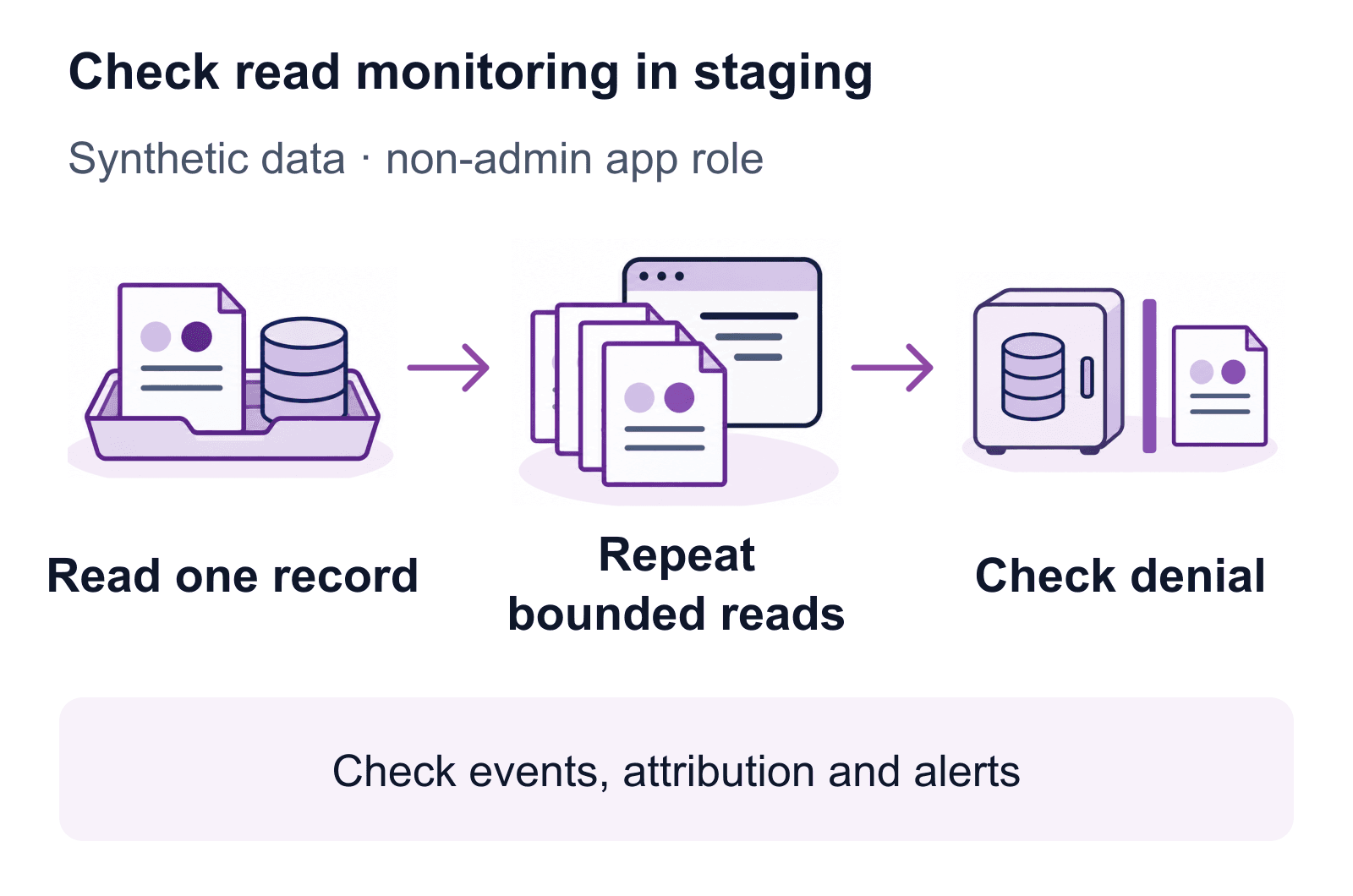
Test reads, attribution and denials with synthetic data.
- Set the boundary. Create a custom support application with a read-only database role on the synthetic records, and keep a separate table outside those permissions. Record the versions, logging configuration, expected workload and a test marker.
- Baseline one read. Read one record through the app. Check whether the event shows up in your monitoring system and what it tells you: the database user, session, query and application workload (where the context is available). If this baseline event is missing, fix the collector before evaluating alerts.
- Try a bounded batch. Read different synthetic records via the same workload and reuse existing connections wherever supported (also record reconnects). Then simulate a potential attack pattern by running a series of repeated isolated lookups on different synthetic customer records. Check if the monitoring shows the accumulated activity, or only the isolated queries, each of which look ordinary.
- Compare legitimate activity. Compare the above with an expected workflow, such as batch exports. Similar queries may be indistinguishable without the additional request or job context. The goal here is to understand what evidence supports an investigation, not to ensure that every batch triggers an alert.
- Verify denial and evidence retention. Finally attempt a query on the out-of-bounds table. The database should reject it. Check whether the monitoring system records the denial and preserves it for investigation.
For each case, evaluate whether an event arrived, what could be attributed, whether an alert fired and the delay. Check collector health, dropped events, retention and redaction without unnecessarily logging raw values.
Keep the control boundaries clear
Database monitoring provides useful evidence alongside patching, least privilege and access enforcement. Review and patch vulnerabilities regularly, and prioritize critical fixes according to exposure and severity. Least privilege patterns across entities help in reducing fallout of breaches. Passive monitoring provides evidence but it cannot block a query. Access control policies implemented via permissions or by a context-aware enforcement layer can help here.
Database query monitoring alone cannot show a later leak from data already cached in application memory. It also cannot (by default) capture human context which is not propagated via an application. A degree of instrumentation or context propagation, such as query tagging, is usually needed to associate a query with an upstream user or request.
Despite this, monitoring application queries on databases serves an important purpose in investigating compromised applications and assessing the impact of the compromise.